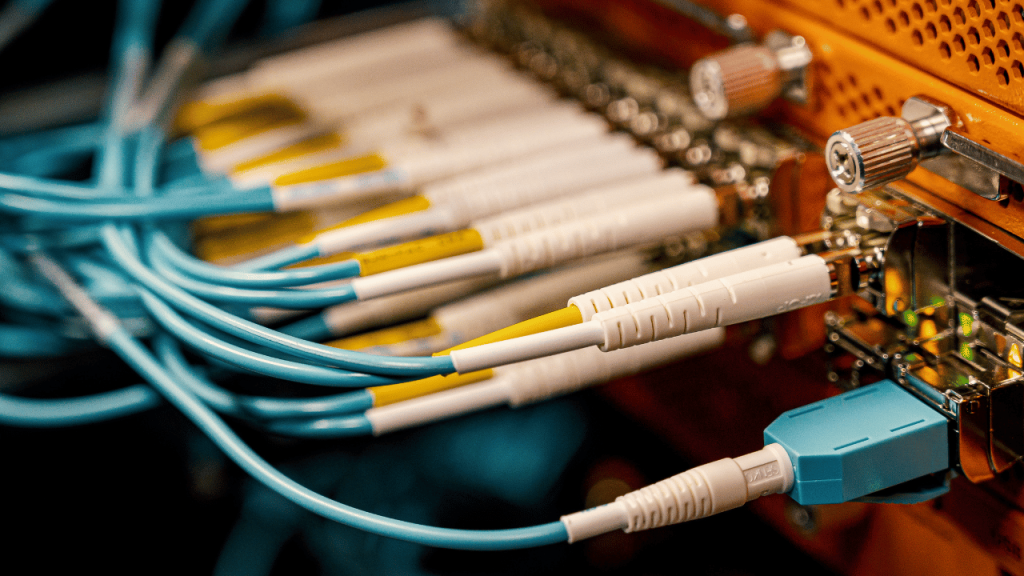
If you are building or upgrading a network — whether it is a data center, office, or industrial facility — fiber patch cables are one of the most critical components you will need. They are the short fiber optic cables that connect your switches, routers, transceivers, and patch panels together.
But with dozens of types, connector styles, and fiber grades available, choosing the wrong fiber optic patch cable can result in signal loss, compatibility issues, and wasted money.
This complete guide covers everything you need to know: what fiber patch cables are, the different types, how to choose the right one for your network, and answers to the most common questions.
What is a Fiber Patch Cable?
A fiber patch cable (also called a fiber patch cord or fiber jumper) is a short length of optical fiber cable with connectors pre-installed on both ends. It is used to connect two fiber optic devices — such as a transceiver in a switch to a fiber optic adapter panel, or from a patch panel to an active equipment port.
Unlike long-haul fiber cables that run through walls and conduits, fiber optic patch cables are flexible, easy to handle, and designed for frequent connect/disconnect cycles in equipment rooms and data centers.
Key Characteristics at a Glance
| Feature | Details |
|---|---|
| Cable length | 0.5m – 30m (custom lengths available) |
| Connector types | LC, SC, ST, FC, MPO/MTP |
| Fiber types | Single mode (OS1/OS2), Multimode (OM1–OM5) |
| Polish types | UPC (blue), APC (green) |
| Jacket colors | Yellow (SM), Orange (OM1/OM2), Aqua (OM3), Violet (OM4), Lime (OM5) |
Types of Fiber Patch Cables
Understanding the different types of fiber optic patch cables is the first step to making the right choice.
1. By Fiber Type
Single Mode Fiber Patch Cable (OS1 / OS2)
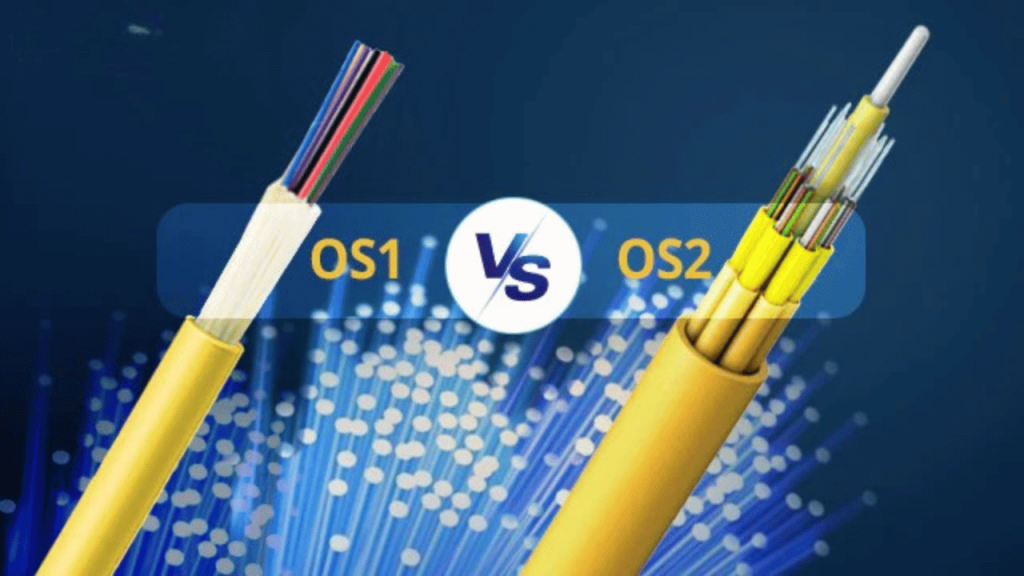
Single mode fiber patch cables carry light through a very small core (9 microns). They are designed for long-distance transmission — from a few hundred meters up to 80km or more.
- Color: Yellow jacket
- Best for: Long-haul connections, telecom networks, campus networks, WAN links
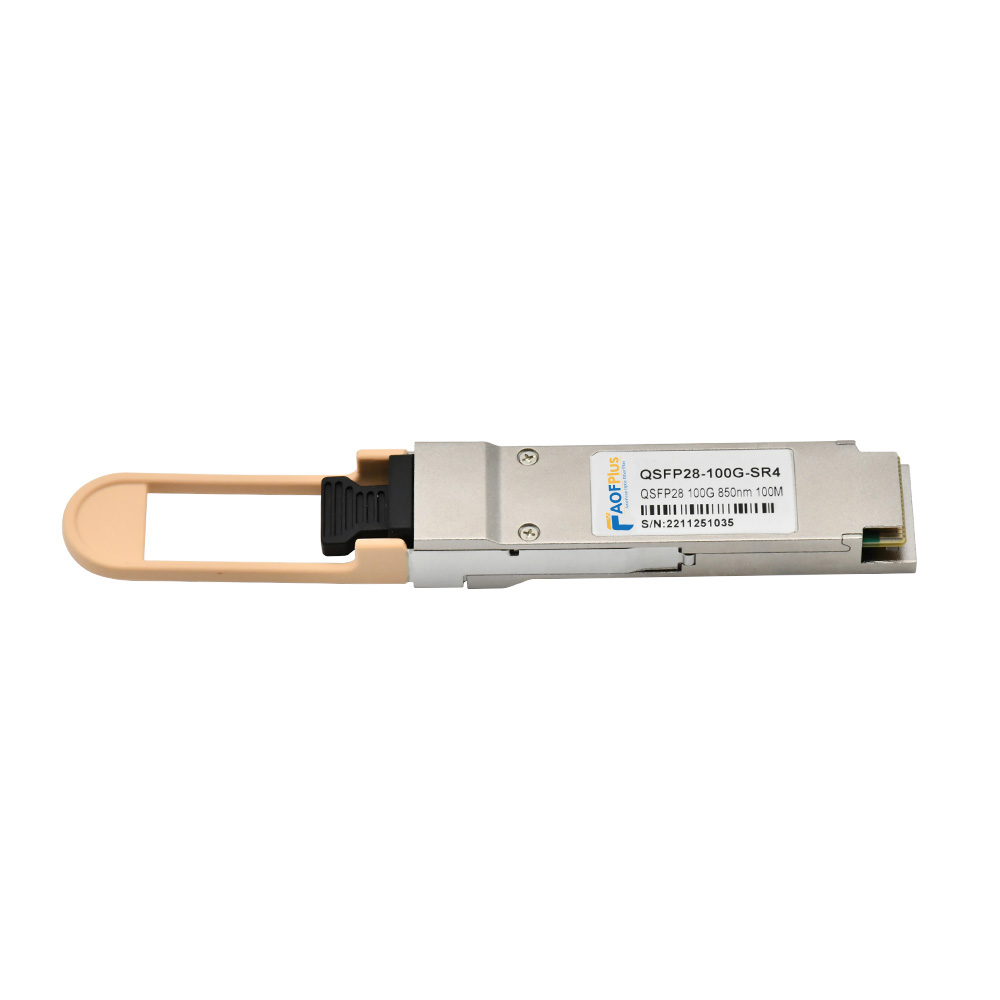
- Typical transceivers used with: SFP-LX, SFP-LR, SFP28-LR, QSFP28-LR4
OS1 — tight-buffered construction, used indoors (max ~10km)
OS2 — loose-tube construction, used outdoors and for longer distances (up to 200km with amplification)
Multimode Fiber Patch Cable (OM1 – OM5)
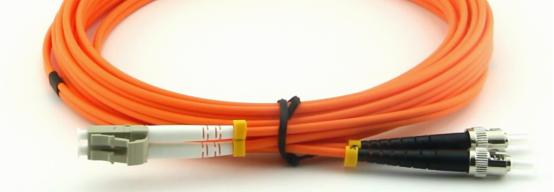
Multimode fiber patch cables have a larger core (50 or 62.5 microns) that allows multiple light modes to travel simultaneously. They are designed for short-distance, high-bandwidth applications inside buildings and data centers.
| Grade | Core Size | Jacket Color | Max Distance at 10G | Best Use |
|---|---|---|---|---|
| OM1 | 62.5 µm | Orange | 33m | Legacy systems |
| OM2 | 50 µm | Orange | 82m | Short links |
| OM3 | 50 µm | Aqua | 300m | 10G data centers |
| OM4 | 50 µm | Violet/Magenta | 400m | 40G/100G data centers |
| OM5 | 50 µm | Lime Green | 400m | 100G+ SWDM4 |
AOFPLUS Tip: For new data center builds in 2026, OM4 or OM5 is the recommended choice. The extra cost over OM3 is minimal, but the performance headroom for future upgrades to 40G and 100G is significant.
2. By Connector Type
The connector on the end of your fiber patch cable determines physical compatibility with your equipment. Here are the most common types:
LC (Lucent Connector) — Most Popular
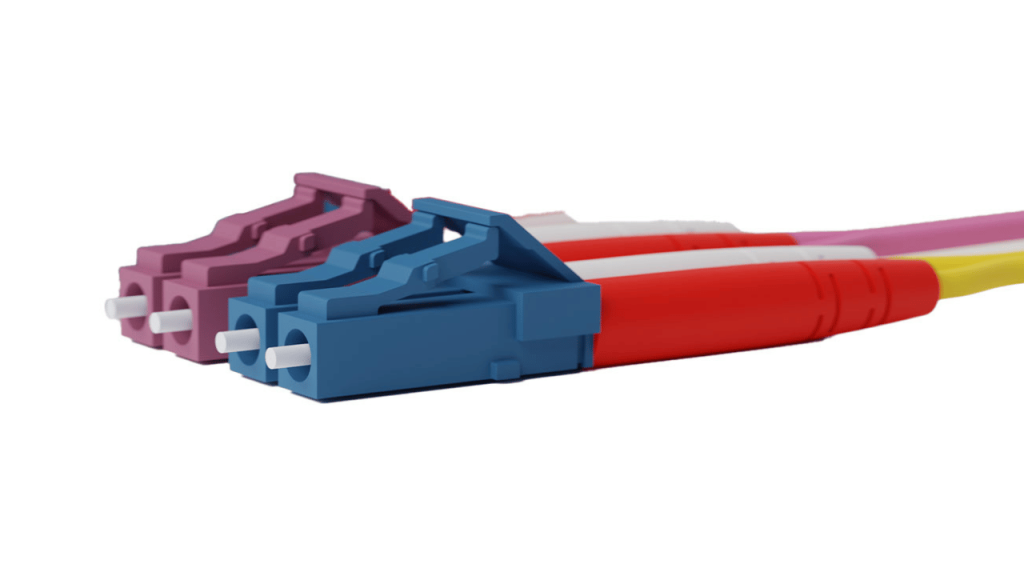
The LC connector is the industry standard for modern networking equipment. It uses a 1.25mm ferrule and a push-pull latch mechanism.
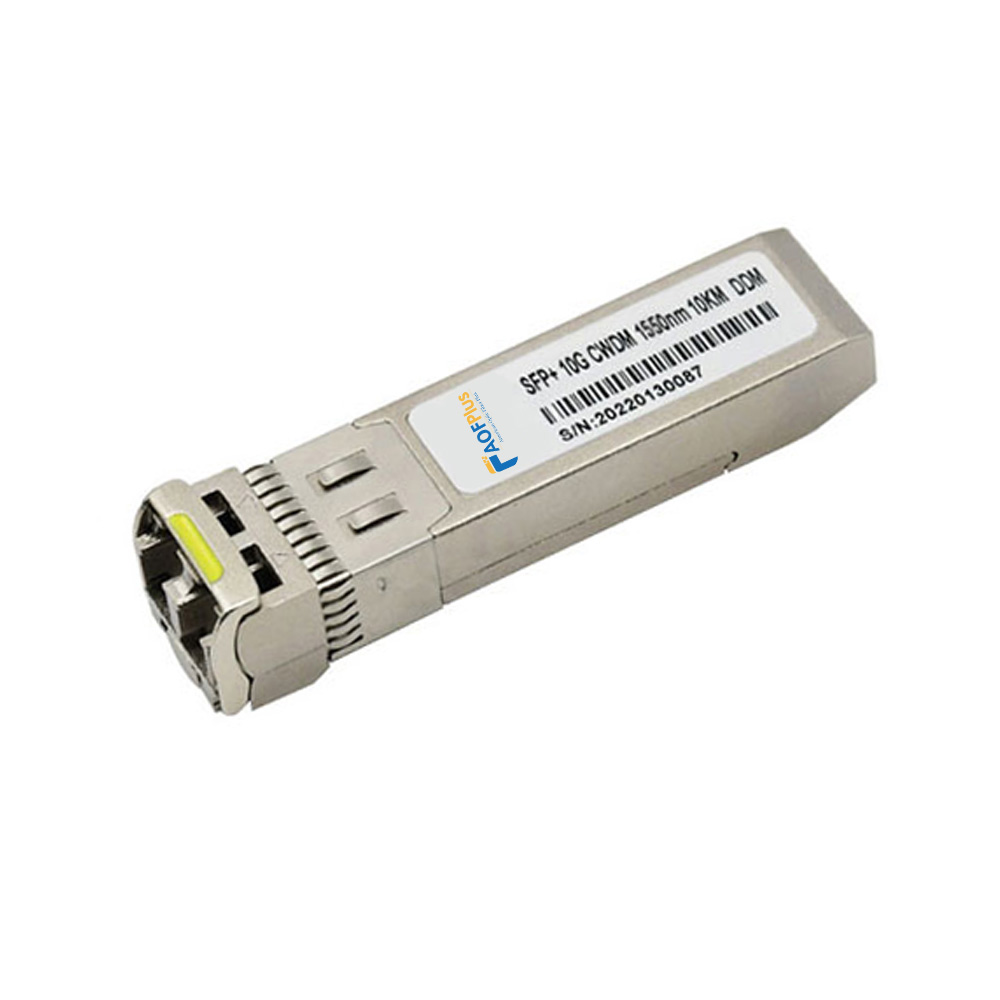
- Used with: SFP, SFP+, SFP28, QSFP28 transceivers
- Common configurations: LC to LC, LC to SC, LC to ST
- Duplex (two fibers) is standard for most applications
SC (Subscriber Connector)
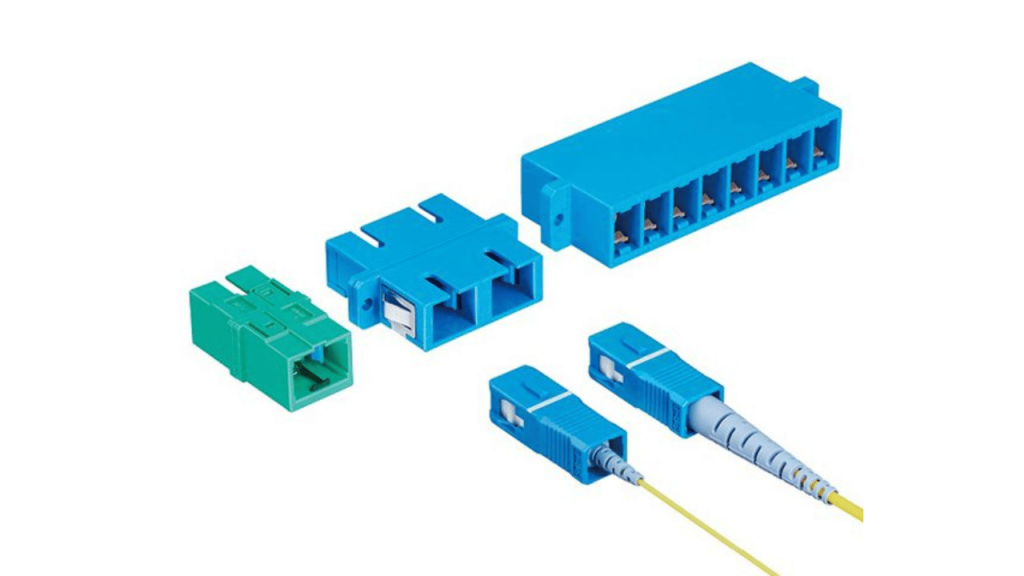
Larger than LC (2.5mm ferrule), SC connectors use a push-pull mechanism. Common in older installations and telecom equipment.
- Used with: Older switches, telecom gear, GPON OLT ports
- Common configurations: SC to SC, SC to LC, SC to FC
MPO / MTP (Multi-fiber Push On)
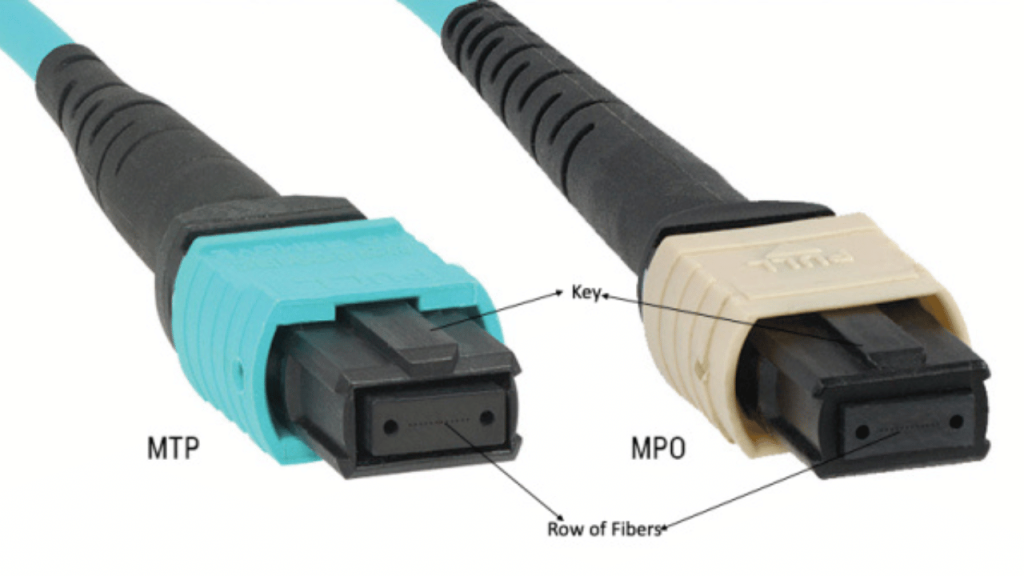
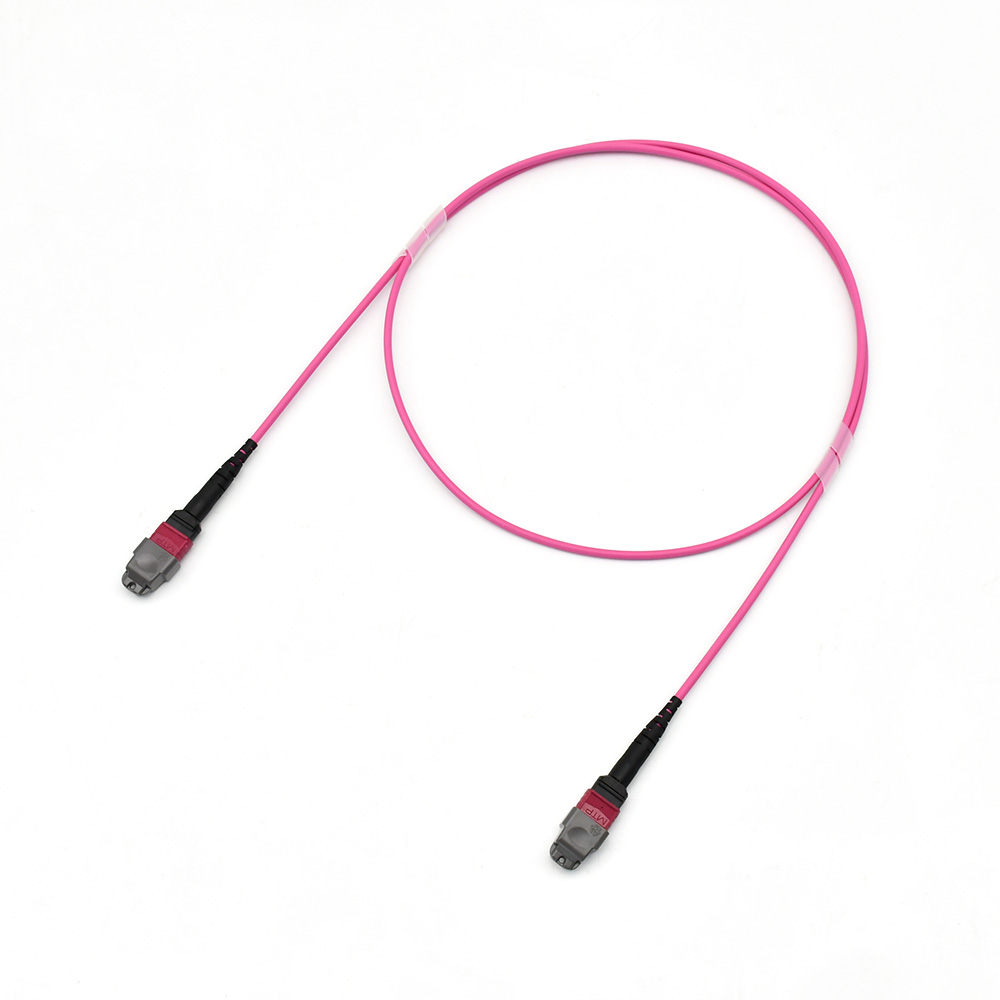
MPO/MTP connectors house 12 or 24 fibers in a single connector. They are designed for high-density data center applications such as 40G, 100G, 400G, and InfiniBand links.
- Used with: QSFP+, QSFP28, QSFP56, QSFP-DD transceivers
- Common configurations: MPO to MPO (trunk), MPO to LC breakout
- Elite/Low Loss versions available for 400G+ applications
ST (Straight Tip)
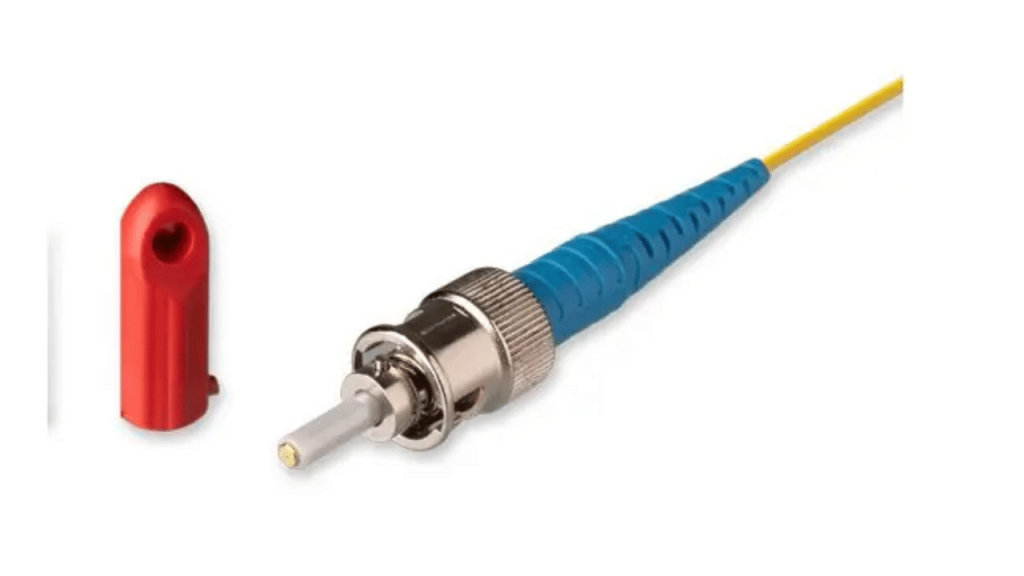
A bayonet-style connector common in older LAN and industrial environments. Largely replaced by LC in modern networks.
FC (Ferrule Connector)
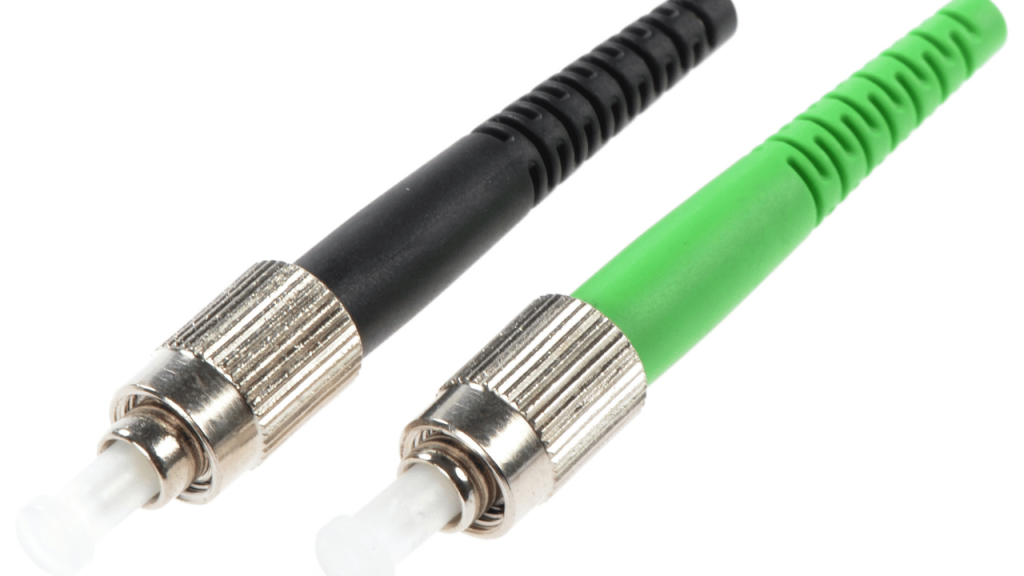
Screw-type connector used in high-vibration industrial environments and test equipment. Less common in standard networking.
3. By Polish Type
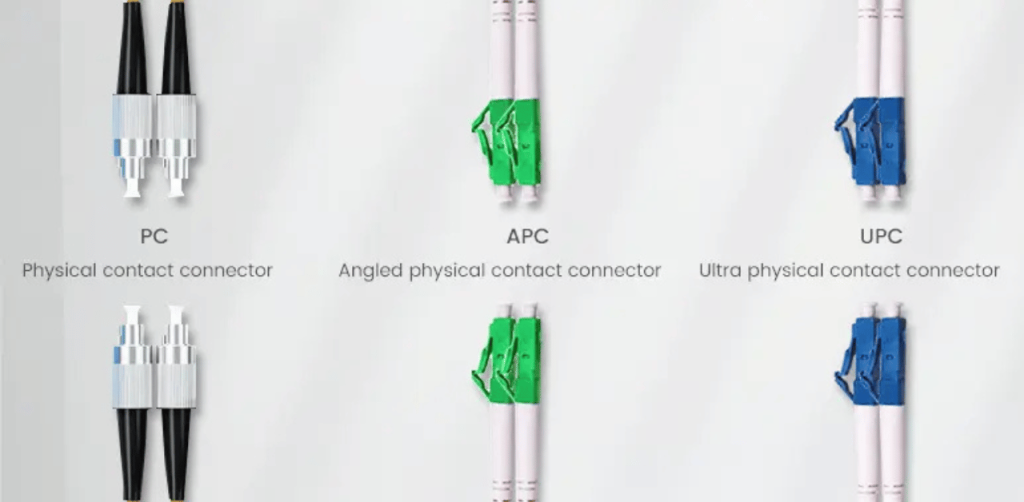
UPC (Ultra Physical Contact)
- Flat end-face with a slight curvature
- Blue-colored connector
- Return loss: ~55 dB
- Used for: standard data networks, telecom, most general applications
APC (Angled Physical Contact)
- 8-degree angled end-face
- Green-colored connector
- Return loss: ~65 dB (much better)
- Used for: GPON/passive optical networks, analog CATV, high-sensitivity applications
Important: UPC and APC connectors are not compatible with each other. Never connect a UPC cable to an APC adapter — it will cause high insertion loss and potential damage.
4. By Cable Construction
Simplex — Single fiber, one-way transmission. Used for BiDi (bidirectional) transceivers.
Duplex — Two fibers side by side (TX + RX). This is the most common type for standard SFP/SFP+ connections.
MPO/MTP Trunk — 12 or 24 fibers in one cable. Used for high-density pre-terminated cabling systems.
MPO Breakout (Harness) — One MPO connector on one end, multiple LC/SC connectors on the other. Converts between high-density and standard port connections.
How to Choose the Right Fiber Patch Cable
Choosing the correct fiber optic patch cable requires matching four key factors to your equipment and network requirements.
Step 1 — Identify Your Fiber Type
Check what fiber your infrastructure uses:
- Long distances (>500m) or telecom links → Single mode (OS2)
- Short distances inside a building or data center → Multimode (OM3/OM4)
- High-density 100G+ data center → OM4 or OM5 with MPO connectors
Step 2 — Match Your Connector Type
Look at the physical port on your transceiver or switch:
- SFP / SFP+ / SFP28 ports → LC duplex
- QSFP+ / QSFP28 / QSFP56 ports with breakout → MPO to LC
- Older equipment → SC or ST
Step 3 — Choose the Correct Polish (UPC or APC)
- Most data center and enterprise networks → UPC (blue)
- GPON, CATV, passive optical networks → APC (green)
- Always match the polish type on both ends
Step 4 — Select the Right Length
Measure the physical distance between ports and add 10–15% extra for routing and bend radius. Common lengths:
- 0.5m, 1m, 2m — rack-to-rack within same cabinet
- 3m, 5m, 7m — across aisle connections
- 10m, 15m, 20m — longer cross-connect runs
Common Fiber Patch Cable Configurations
| Configuration | Typical Use Case |
|---|---|
| LC to LC Single Mode | Switch-to-switch, SFP LR/ER connections |
| LC to LC Multimode OM4 | Server-to-TOR switch, 10G/25G data center |
| LC to SC Single Mode | New-to-old equipment connections |
| MPO to MPO OM4 | 40G/100G trunk cable in data center |
| MPO to LC OM4 Breakout | QSFP to 4x SFP+ connections |
| LC to LC APC | GPON/FTTx passive optical networks |
FAQ
Can you patch fiber optic cable?
Yes — that is exactly what fiber patch cables are designed for. They connect two fiber optic endpoints using pre-terminated connectors. You simply plug one end into the transmitter port and the other into the receiver port (or patch panel). No splicing or special tools are needed.
How to connect fiber optic cable to a patch panel?
To connect a fiber optic patch cable to a patch panel:
- Identify the correct adapter type on the patch panel (LC, SC, MPO)
- Remove the dust cap from both ends of the patch cable
- Clean the connector end-face with a fiber optic pen cleaner
- Plug the connector into the adapter port until you hear a click (LC) or feel it lock (SC)
- Route the cable carefully through cable managers to avoid tight bends
How to patch fiber cable correctly?
Follow these best practices:
- Always clean connectors before insertion using a fiber optic cleaning pen
- Never bend the cable tighter than the minimum bend radius (typically 30mm for patch cables)
- Keep dust caps on unused ports and cable ends
- Use the correct fiber type — single mode and multimode are not interchangeable
- Inspect connectors with a fiber microscope if you suspect contamination
What is the difference between a fiber patch cord and a fiber patch cable?
The terms are interchangeable — both refer to the same product: a short fiber optic cable with pre-installed connectors on both ends, used to connect two fiber optic devices.
Can I use single mode patch cable with multimode fiber?
No. Single mode and multimode fiber are physically different and not interchangeable. Plugging a single mode cable into multimode equipment (or vice versa) will result in very high insertion loss or no signal at all. Always match fiber types throughout the entire link.
AOFPLUS Fiber Patch Cable Product Range
At AOFPLUS, we manufacture and supply a complete range of fiber optic patch cables for data centers, enterprise networks, telecom, and industrial applications across the USA.
Our fiber patch cable lineup includes:
- Single Mode LC to LC — OS2, UPC/APC, 1m to 30m
- Multimode LC to LC — OM3/OM4/OM5, 1m to 30m
- MPO/MTP Trunk Cables — 12F and 24F, OM3/OM4/OS2, Elite Low Loss
- MPO to LC Breakout Cables — 8F and 12F, OM3/OM4
- SC, ST, FC patch cords — all fiber types and lengths
- Custom length and custom color options available
Conclusion
Choosing the right fiber patch cable is straightforward once you understand the four key factors: fiber type (single mode vs multimode), connector type (LC, SC, MPO), polish type (UPC vs APC), and cable length.
For most modern data center applications in 2026, OM4 LC duplex patch cables are the go-to choice for short connections, while MPO/MTP trunk cables handle the high-density 40G/100G/400G backbone links.
If you are unsure which fiber optic patch cable is right for your network, the AOFPLUS team is here to help. We have supplied fiber optic products to over 10,000 customers worldwide and can recommend the exact cable you need.