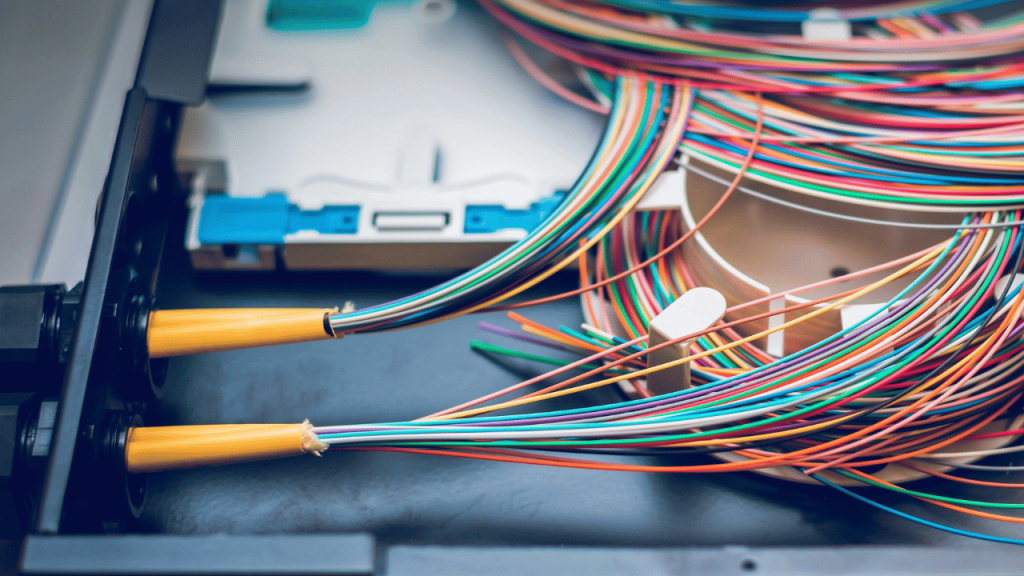
Fiber optic networks rely on small parts that often go unnoticed. One of those parts is the fiber optic pigtail. It looks simple, but it plays a big role in keeping your network fast and stable. Without it, splicing a fiber cable to a device would take far more time and effort.
In this blog post you’ll learn what a fiber pigtail is, how it differs from a patch cord, and why technicians use it across data centers, FTTH setups, and telecom networks. We’ll also walk through different pigtail connector types like LC, SC, ST, and MPO, plus the splicing methods that hold them all together. By the end, you’ll know how to pick the right fiber optic pigtail, how to splice it the right way, and what to check before buying one.
What Is a Fiber Optic Pigtail?
A fiber optic pigtail is a short fiber cable with a connector on one end and bare fiber on the other. The connector end plugs into your equipment, like a switch or patch panel. The bare end gets spliced to another fiber cable, usually inside a splice tray.
Think of it as a bridge. It joins your main fiber line to the device that needs the signal. Since the connector comes pre-installed at the factory, you get clean, low-loss performance without polishing connectors in the field.
This is what makes pigtails so popular across fiber optic pigtails types and uses in real networks. Technicians save time, avoid messy field termination, and get reliable signal quality every time. You’ll find fiber pigtails inside ODFs, distribution boxes, FTTH terminals, and data center racks.
Types of Fiber Optic Pigtails (by Mode, Connector, and Build)
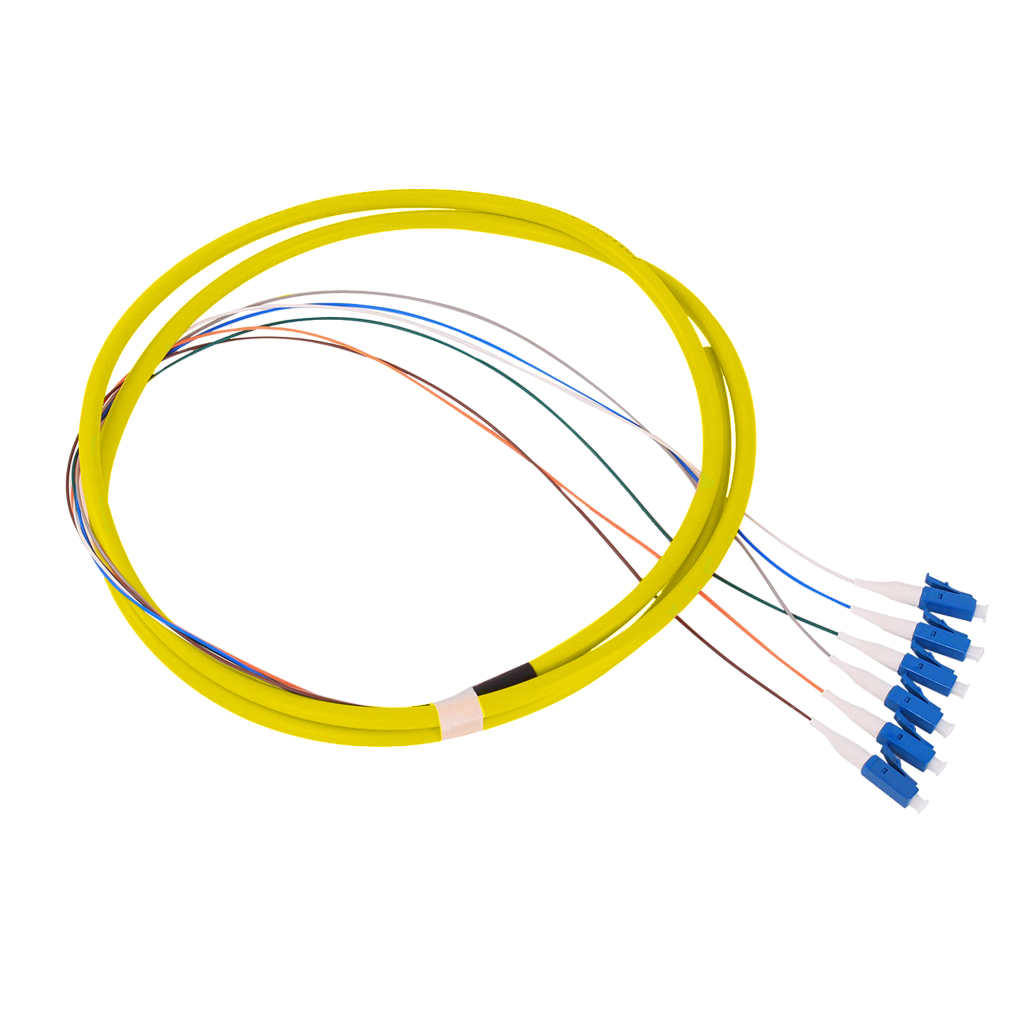
Not all pigtails work the same. The right one depends on signal distance, your equipment, and where the cable sits. Here’s how to break down fiber optic pigtails types and uses into four simple categories.
Single-Mode vs. Multimode
Single-mode pigtails (OS2, often built with Corning SMF-28 Ultra G.652.D fiber) carry signals over long distances. They use a 9-micron core and a yellow jacket, and they’re standard in telecom, FTTH, and long-haul links. Multimode pigtails (OM3, OM4, OM5) handle short, high-speed runs inside data centers. You’ll spot them by their aqua, magenta, or lime jackets.
Connector Types
The connector is what plugs into your gear. Common pigtail connector types include:
- LC – small, high-density, used in modern data centers
- SC – simple push-pull design, common in FTTH
- ST – older bayonet style, found in legacy networks
- FC – screw-on, used in test equipment and harsh environments
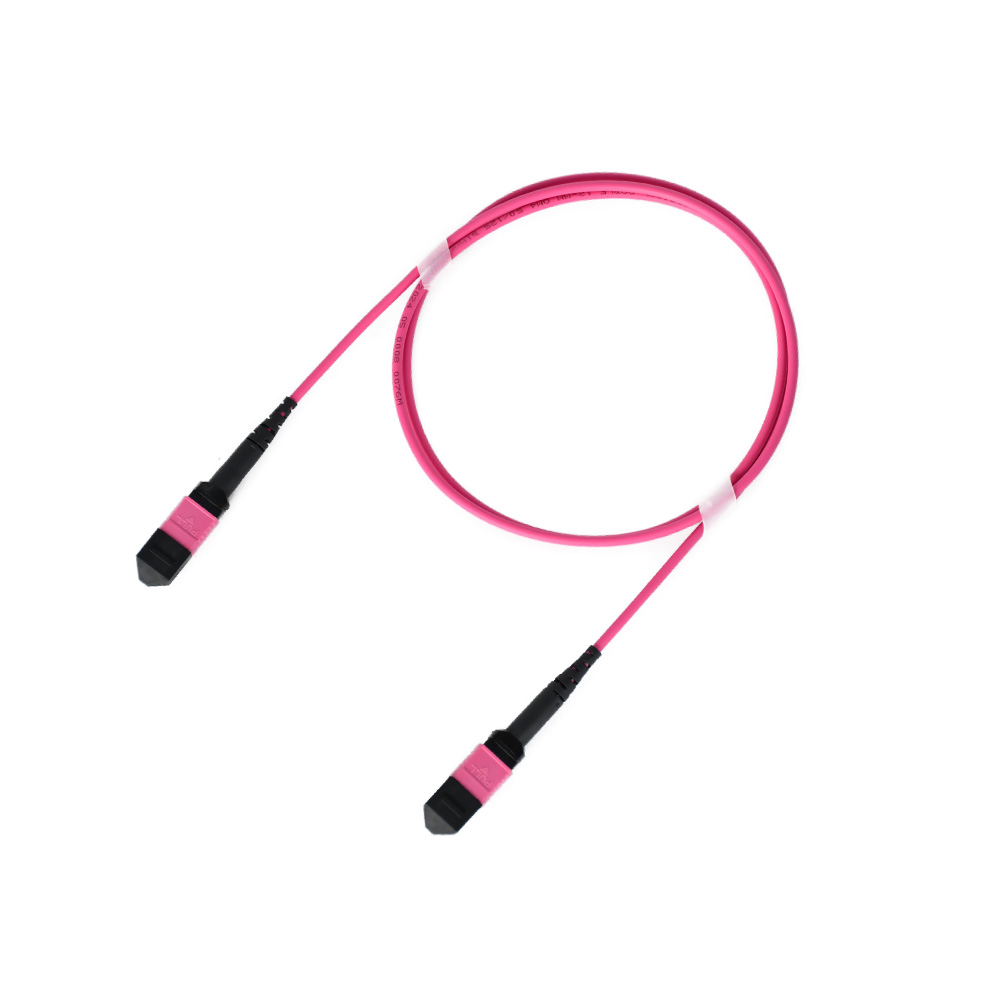
- MPO/MTP – multi-fiber connectors for 40G, 100G, and 400G links
Specialty Builds
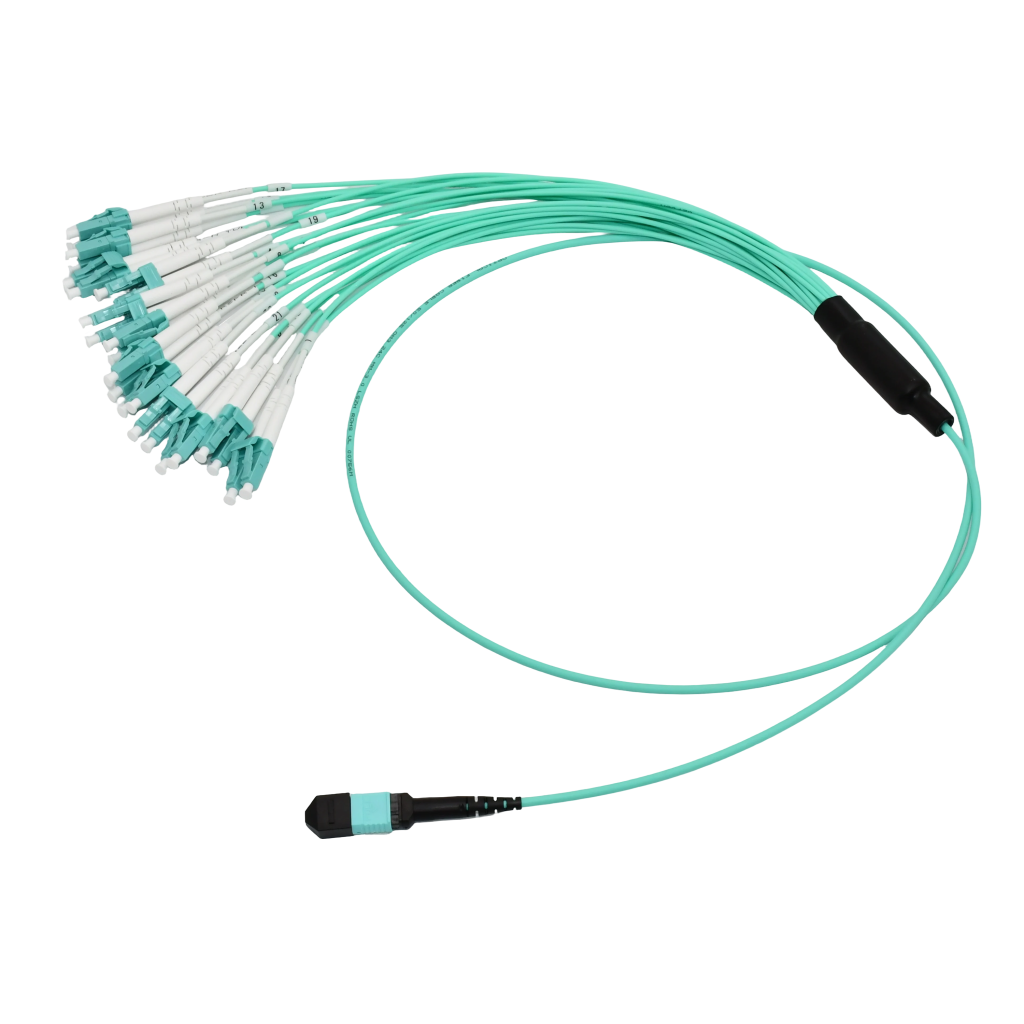
Some jobs need more than a basic pigtail. Armored pigtails resist crushing and rodent damage. Waterproof pigtails handle outdoor and military setups. Fan-out and ribbon pigtails split a multi-fiber cable into individual lines. Jacket choice also matters, LSZH for indoor safety, PVC for general use, and OFNP for plenum spaces.
Polish Styles: PC, UPC, and APC
Polish style affects return loss. The PC is basic. UPC (blue connector) gives lower loss for most networks. APC (green connector) angles the ferrule at 8° to cut back-reflection, making it the top pick for FTTH, CATV, and PON systems.
How to Splice a Fiber Optic Pigtail: Step-by-Step
Slicing a fiber pigtail isn’t hard once you know the steps. But every step matters. A small mistake in stripping or cleaning can cause high signal loss later. Here’s how to do it right.
Before you start, gather these tools:
- Fusion splicer
- Fiber stripper
- High-precision fiber cleaver
- Lint-free wipes and 99% isopropyl alcohol
- Heat-shrink splice protection sleeves
- Visual fault locator (VFL) or OTDR for testing
The 7-Step Fusion Splice Procedure
Once your tools are ready and your workspace is clean, you can start the splicing process. Take your time with each step. Rushing leads to high signal loss or weak splices that fail later. Work in a dust-free area, keep your hands clean, and avoid touching the bare fiber with your fingers. Follow these seven steps in order for a strong, low-loss splice every time.
1. Slide on the protection sleeve. Place the heat-shrink sleeve onto one fiber before you do anything else. You can’t add it after the splice.
2. Strip the fiber. Use the fiber stripper to remove the outer coating. Expose about 30–40 mm of bare glass. Don’t nick the fiber.
3. Clean the fiber. Wipe the bare glass with a lint-free wipe soaked in isopropyl alcohol. Do this twice. Skip this step and dust will ruin your splice.
4. Cleave the fiber. Use the cleaver to cut the fiber at a perfect 90° angle. A bad cleave equals a bad splice.
5. Load the fibers into the splicer. Place both fibers in the V-grooves. The splicer will align the cores using its built-in cameras.
6. Fuse the fibers. Press start. The splicer fires an electric arc that melts the two ends together. The screen will show the estimated splice loss in dB.
7. Protect the splice. Slide the heat-shrink sleeve over the joint. Place it in the splicer’s oven to seal it.
Final Thoughts
Fiber optic pigtails may look small, but they hold your whole network together. The right pigtail saves you time, cuts signal loss, and keeps your data flowing without trouble. Once you understand fiber optic pigtails types and uses, picking the right one becomes simple. Match the mode, connector, and build to your job, follow the splicing steps with care, and always test your work before walking away.
At AOF Plus, we make fiber connectivity easier for installers, ISPs, and data center teams. We supply high-quality fiber optic pigtails, patch cords, MPO/MTP cables, transceivers, and full networking accessories. Every pigtail we ship is built with trusted fibers like Corning SMF-28 Ultra, factory-polished for low insertion loss, and tested before it leaves our facility. You get clean LC, SC, FC, and MPO options in single-mode and multimode, with LSZH, PVC, or OFNP jackets to match your setup.